Connected Phones
A daily data allowance can feel unpredictable when downloads and background activity are mixed together. Look for a pattern before changing your plan.
What should I compare first?
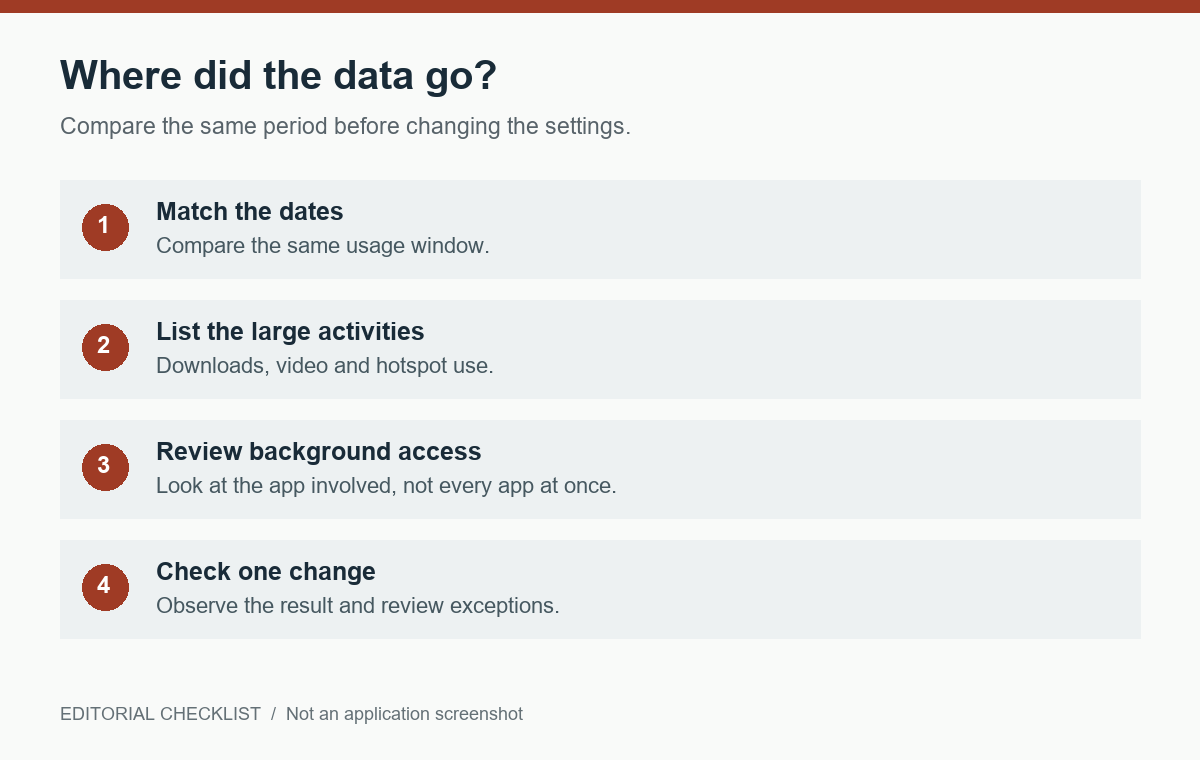
Choose the same start and end period when comparing phone usage with your operator’s account display. Note major downloads, hotspot use and video sessions. Different measurement windows can make two numbers appear contradictory. Use the operator’s own usage information for billing questions rather than assuming the device counter is a final bill.
What does Data Saver change?
Google’s Pixel guidance describes Data Saver as restricting most background activity to Wi-Fi while active apps and services can still use mobile data. The exact path varies by manufacturer. This means the setting is not an unlimited-data switch or a guarantee that an actively used video app will consume less data.
Which exceptions are worth considering?
Some applications need background connectivity for the function you expect. Before allowing unrestricted data, identify the specific problem and app. Change one exception and observe whether it resolves the issue. Turning every app into an exception defeats the purpose and makes it harder to understand which activity matters.
How do I avoid a misleading one-day conclusion?
Keep a short note for several comparable days: travel, hotspot use, large downloads and relevant settings. Do not attribute every change to the last toggle you touched. If usage remains unexplained, consult the operator and device maker with the period and app-level observations. Keep account and billing information out of public screenshots.
Your next steps
- Compare matching usage periods.
- Note downloads, video and hotspot activity.
- Try Data Saver where appropriate.
- Review only necessary exceptions.