Connected Phones
A nearby transfer can be convenient when family members want original files without posting them to a group. Confirm the device before sending.
What do both people need to agree on?
Decide which files are being shared and who should receive them. Check the device name together, especially in a busy home or public place where several phones may be visible. Avoid selecting an entire folder when only a few photographs are intended. A clear selection prevents unrelated screenshots or documents travelling with the photos.
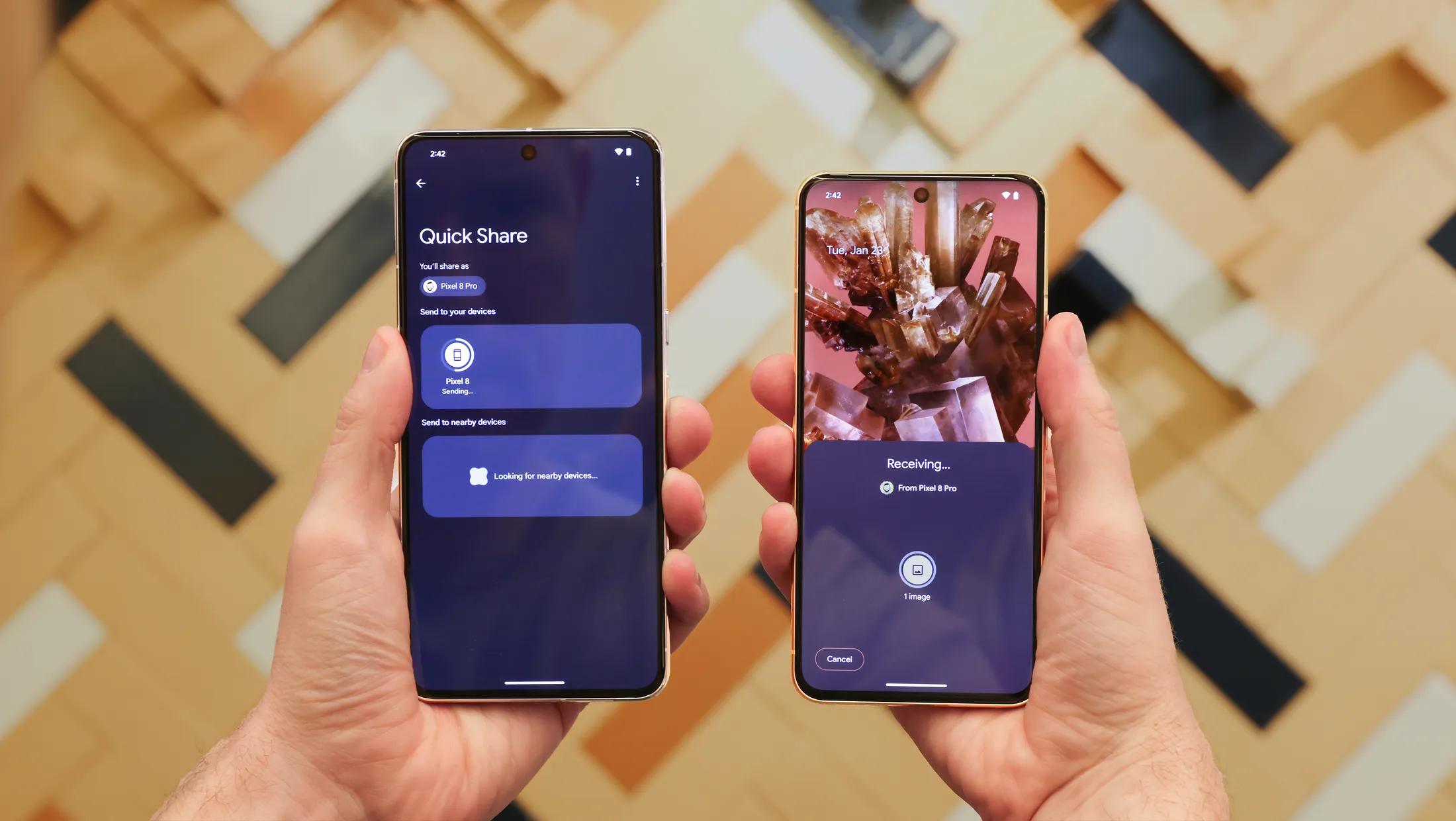
How does the transfer work?
Google’s Files guidance describes selecting files and choosing a nearby device through Quick Share. The receiver can accept or decline an incoming request, while transfers between your own devices on the same Google Account may be accepted automatically. Device support and interface labels can differ. Follow the instructions shown for the phones involved.
What if the other phone is not visible?
Check that the receiver is ready to receive, its screen is unlocked where required, and its visibility settings match the intended sender. Do not broaden access permanently just to finish one transfer. If the process remains unclear, consult the device’s official guidance rather than installing an unfamiliar file-transfer application from a message link.
What should we check afterwards?
Open a sample file on the receiving device and confirm that the expected selection arrived. Only then decide whether to remove duplicate working copies. Return visibility to a setting appropriate for normal use. For private records rather than ordinary photos, consider whether the recipient and transfer method are suitable before starting.
Your next steps
- Select only the intended files.
- Confirm the device name together.
- Check the receiving prompt or status.
- Open a received file and review visibility afterwards.