Getting Around
It helps to separate looking up a journey from managing an actual reservation. Start with the question you need answered.
Am I researching or managing a trip?
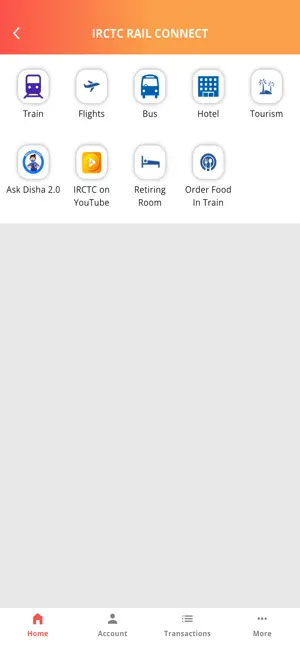
For a possible journey, your first questions are the correct stations, travel date and available options. For an existing booking, start from its official record. The Rail Connect listing includes both search and booking-management capabilities. Choosing the right task avoids confusion between an option you viewed and a reservation you actually made.
Which details deserve a second look?
Check station names, departure and arrival dates, and the intended class. A familiar city name can conceal a different station, and an overnight journey can cross a calendar day. Keep connecting travel and accommodation in view. Do not infer a guaranteed connection from two journeys that merely appear close in a search.
Should I rely on a saved screenshot?
A screenshot is useful for discussing an option, but availability and journey status can change. Label it with its purpose and avoid presenting it as current confirmation later. Use the official record and current railway information before travel. This article does not supply changing quota, cancellation or booking-window rules.
How can a family coordinate without sharing accounts?
Send the agreed train and meeting information rather than handing over account credentials. Let the account holder manage account-specific steps. Keep passenger records private and share only what companions need. If a booking result is unclear, ask the official support route before repeating an action that could create a duplicate.
Your next steps
- Decide whether you are searching or managing a booking.
- Check station, date and class together.
- Use current official information before travel.
- Coordinate without sharing passwords or verification codes.