Shopping Online
ONDC is a network rather than a single shopping application. Your practical starting point is a buyer app that serves the purchase you want to make.
Am I choosing a network or an app?
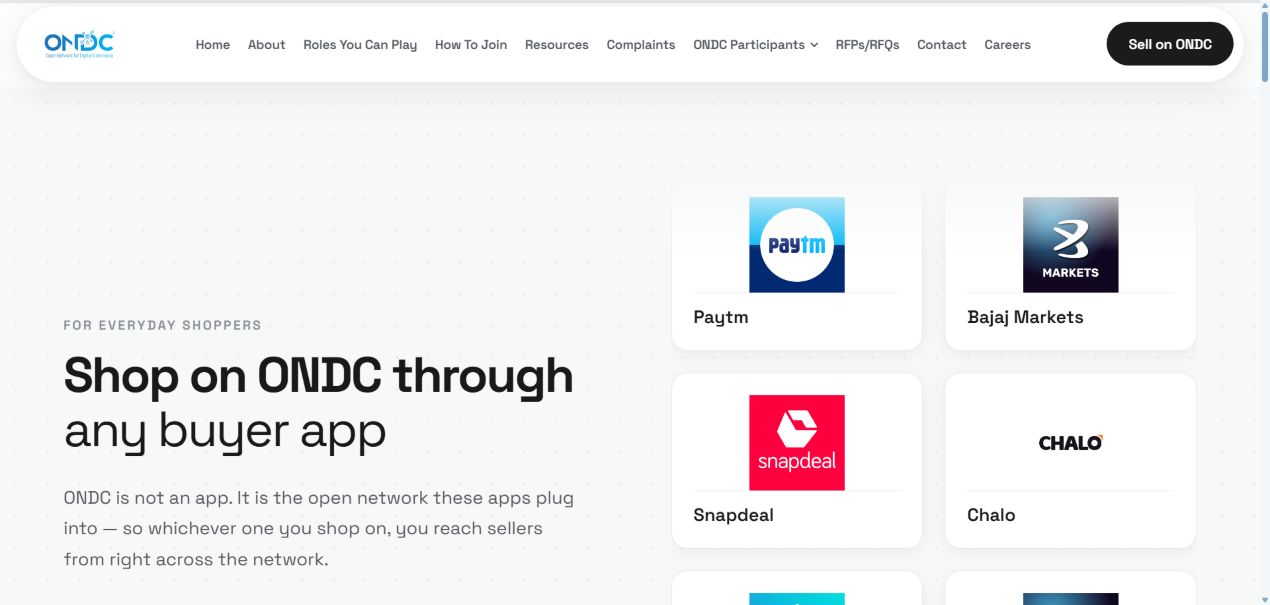
ONDC’s shopping guide explains that buyers shop through participating applications. Start with the official directory to identify a suitable category and app. Then check the live buyer app for your location and item. A network listing is an entry point, not a promise that a particular product will be deliverable to every address.
What should I compare before ordering?
Compare the item description, seller, quantity, delivery details and complete checkout total. If two listings use similar pictures, read the specifications rather than assuming they are the same product. For a grocery order, the pack size and substitution information may matter as much as the displayed price. Read the actual terms shown for that order.
Where will I find the order later?
The official guide directs buyers to the same app for confirmation and delivery updates. Make sure you can recognise the order and locate assistance before committing. Keep a private record of the order reference and seller information. Do not assume another participating app can manage an order you placed elsewhere.
How should I make a first purchase decision?
Start with a purchase whose requirements you understand and whose delivery timing is not critical. This is a way to evaluate the displayed information and support process, not a claim that any app has been tested here. Avoid choosing only because of a promotional headline. Offers, availability and terms need to be checked at the time of purchase.
Your next steps
- Identify the category in the official directory.
- Check delivery and the exact product in the buyer app.
- Review the final total and order conditions.
- Keep the order reference in the app used to purchase.