Getting Around
Downloading a map is useful preparation, but it does not make every travel feature work offline. Plan around the journey you are actually making.
What should I download before leaving?
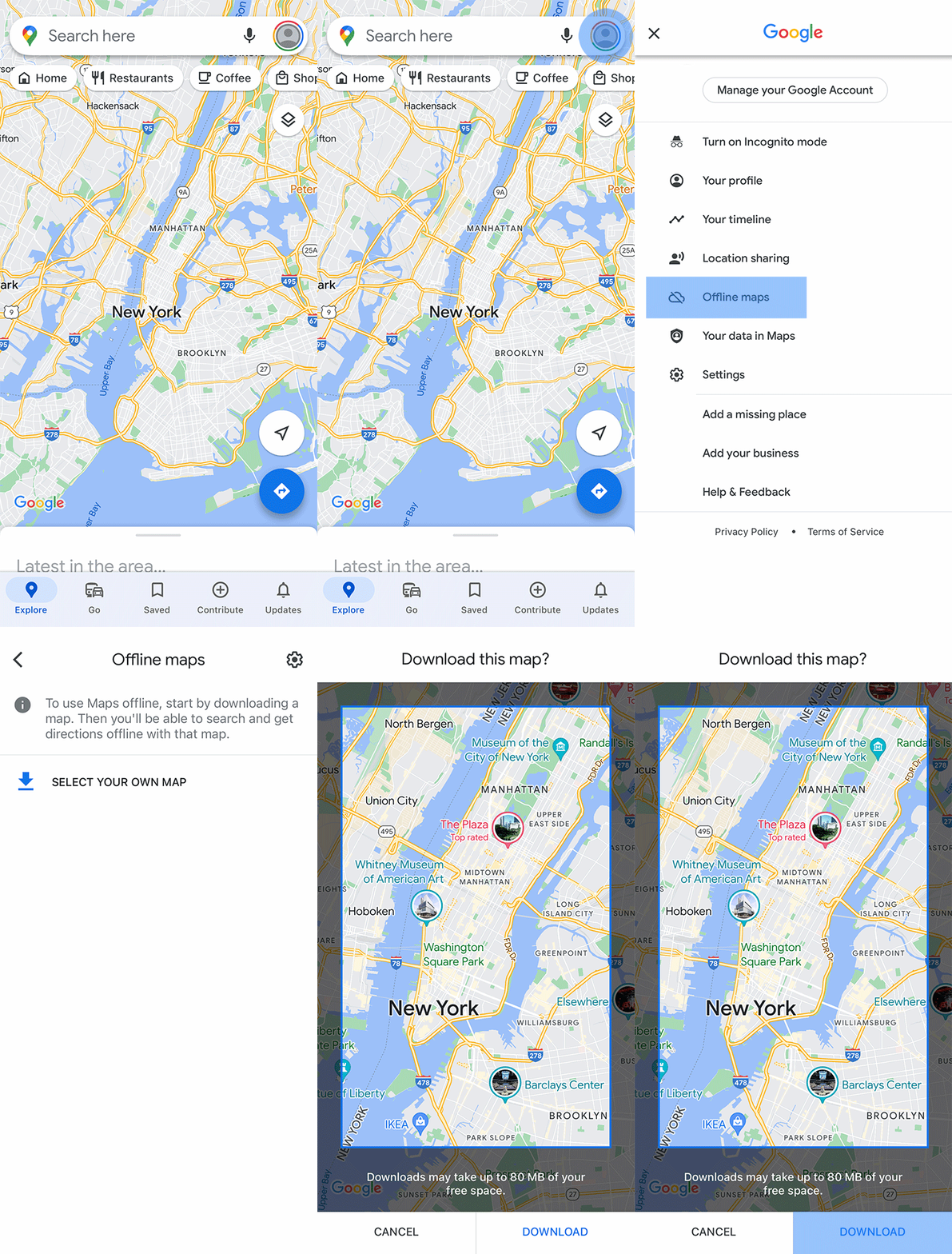
Choose an area that covers the route you expect to travel, not just a pin at the destination. For a drive from a city to a nearby town, consider the connection between them as well as both ends. Download while you have a reliable connection, check available storage and open the saved area before departure. Availability can vary by region.
Can I use it for a metro or bus connection?
Google’s offline guidance says public-transport, cycling and walking directions are unavailable offline. Keep operator information, the stop or station name and a written last-leg plan separately. A saved map is useful context, but it is not a live timetable or a guarantee that an entrance or road is open.
How can I check readiness without a stressful experiment?
While still somewhere familiar, confirm that the intended area appears in the offline-map list and inspect its coverage. Keep the destination’s full address and an agreed meeting point in a separate note. Do not make your first check while driving or after you have already lost connectivity. Use the current app instructions for your device.
What is the sensible fallback?
Tell a companion the destination and planned route, carry enough battery capacity for your trip and keep a way to contact your accommodation or host. If circumstances differ from the saved information, follow current local signs and official travel guidance. Offline preparation reduces one dependency; it does not replace attention to conditions on the ground.
Your next steps
- Save the complete intended area.
- Check the downloaded map before departure.
- Keep transit details and the full address separately.
- Review current conditions when connectivity returns.